
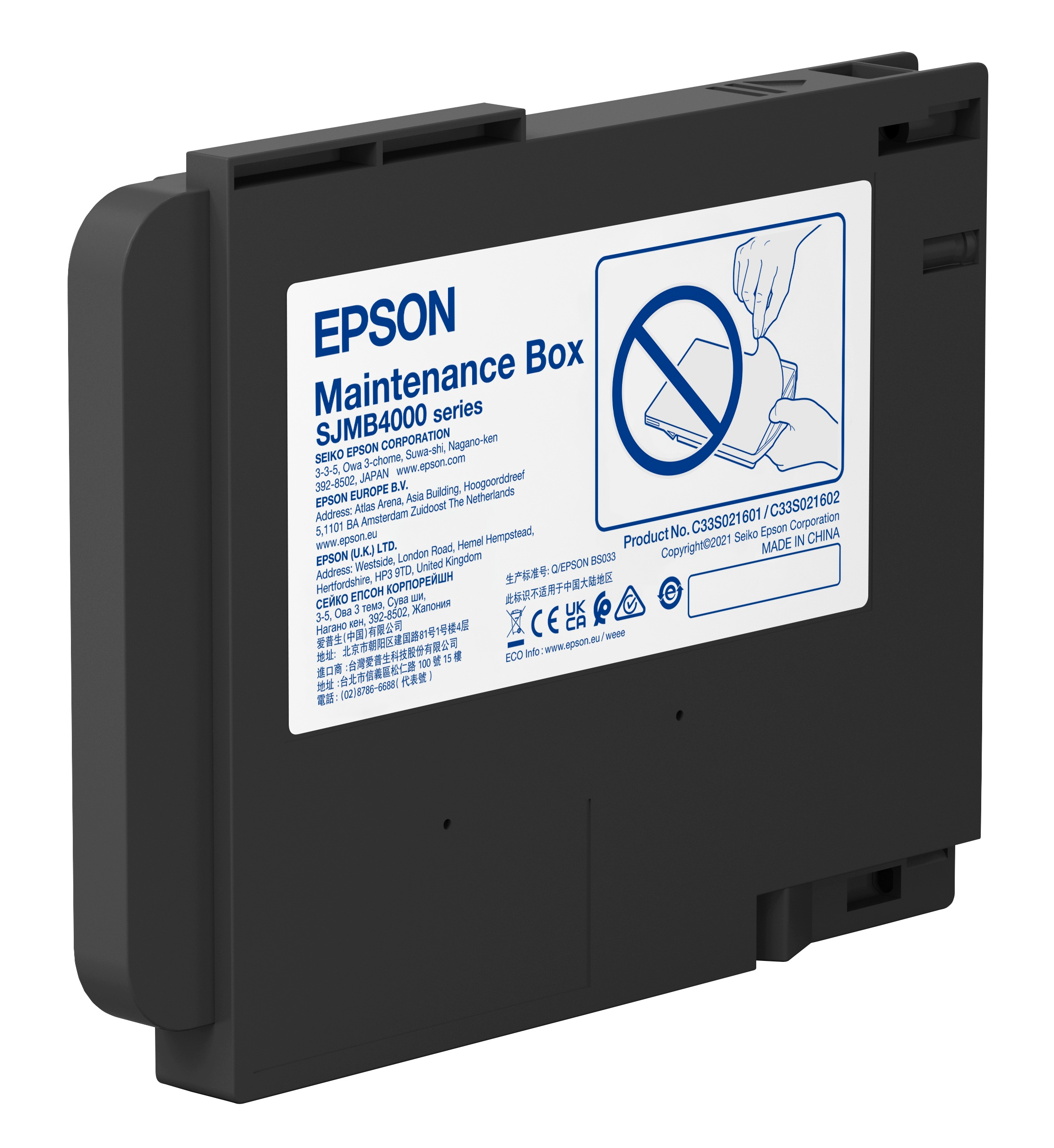
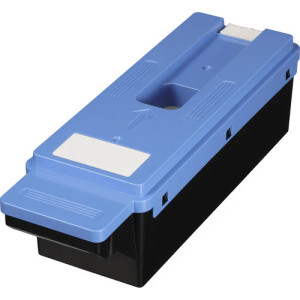
Epson SJMB4000 Maintenance Box for ColorWorks C4000 Series (C33S021601)
KSh 6,000.00
- Product Type: Waste ink maintenance box
- Model Number: C33S021601 / SJMB4000
- Compatible Printers: Epson ColorWorks CW-C4000 series (Gloss and Matte models)
- Monitoring System: Integrated smart chip for real-time capacity tracking
- Estimated Capacity: Approximately 30,000 to 50,000 pages (varies depending on usage and cleaning frequency)
- Dimensions: Approximately 9.25 inches x 7.05 inches x 2.05 inches
- 16% VAT and delivery charges will be calculated at checkout.
- Standard packages / medium goods delivery: KES 500 flat rate.
- Bulky or heavy items: delivery charges will be quoted before confirmation.
Epson SJMB4000 Maintenance Box for ColorWorks C4000 Series (C33S021601)
The Epson SJMB4000 Maintenance Box (C33S021601) is a genuine Epson consumable designed for the ColorWorks C4000 series color label printers. It serves as a waste ink collection unit that captures excess ink generated during printhead cleaning, nozzle checks, and routine maintenance cycles. By safely storing waste ink, it helps maintain print quality, protect internal printer components, and ensure uninterrupted operation in high-volume printing environments.
Product Features
Waste Ink Collection System
Efficiently collects and stores waste ink generated during cleaning cycles and printing operations, preventing internal overflow and protecting printer components.
Smart Chip Monitoring
Equipped with an integrated chip that tracks ink absorption levels in real time and alerts users when replacement is required.
Tool-Free Replacement
Designed for easy user replacement without tools, minimizing downtime and ensuring smooth maintenance in busy workflows.
Printer Protection Functionality
Automatically stops printer operation when the maintenance box reaches full capacity to prevent damage and ensure system safety.
Reliable High-Volume Performance
Built to support continuous printing environments by handling large volumes of waste ink from frequent maintenance cycles.
Clean and Secure Handling
Features a sealed design that reduces the risk of ink spills during removal and replacement.
Product Specifications
- Product Type: Waste ink maintenance box
- Model Number: C33S021601 / SJMB4000
- Compatible Printers: Epson ColorWorks CW-C4000 series (Gloss and Matte models)
- Monitoring System: Integrated smart chip for real-time capacity tracking
- Estimated Capacity: Approximately 30,000 to 50,000 pages (varies depending on usage and cleaning frequency)
- Dimensions: Approximately 9.25 inches x 7.05 inches x 2.05 inches
- Weight: Approximately 197 g
- Operating Temperature: 5°C to 35°C
- Storage Temperature: -20°C to 60°C
- Installation Location: Left side of the printer (front-facing orientation)
- Replacement Method: Straight-pull removal with handle design, tool-free installation
- Usage Note: Printer automatically stops when maintenance box reaches full capacity
- Maintenance Status Check: Available via printer LCD menu under maintenance settings
- Design Type: Single-use sealed waste ink container
- Safety Handling: Avoid touching the smart chip during installation or removal
- Disposal Note: Not reusable or washable; must be replaced when full
- System Function: Collects waste ink from cleaning cycles, nozzle checks, and automatic maintenance operations
Be the first to review “Epson SJMB4000 Maintenance Box for ColorWorks C4000 Series (C33S021601)”
Related products
Printer Consumables
Epson C9382 Maintenance Box for WF-C5890/C5390/M5899/M5399 (C12C938211)

Printer Consumables
Printer Consumables

Printer Consumables

Printer Consumables
Printer Consumables

Printer Consumables

Printer Consumables
Reviews
There are no reviews yet.